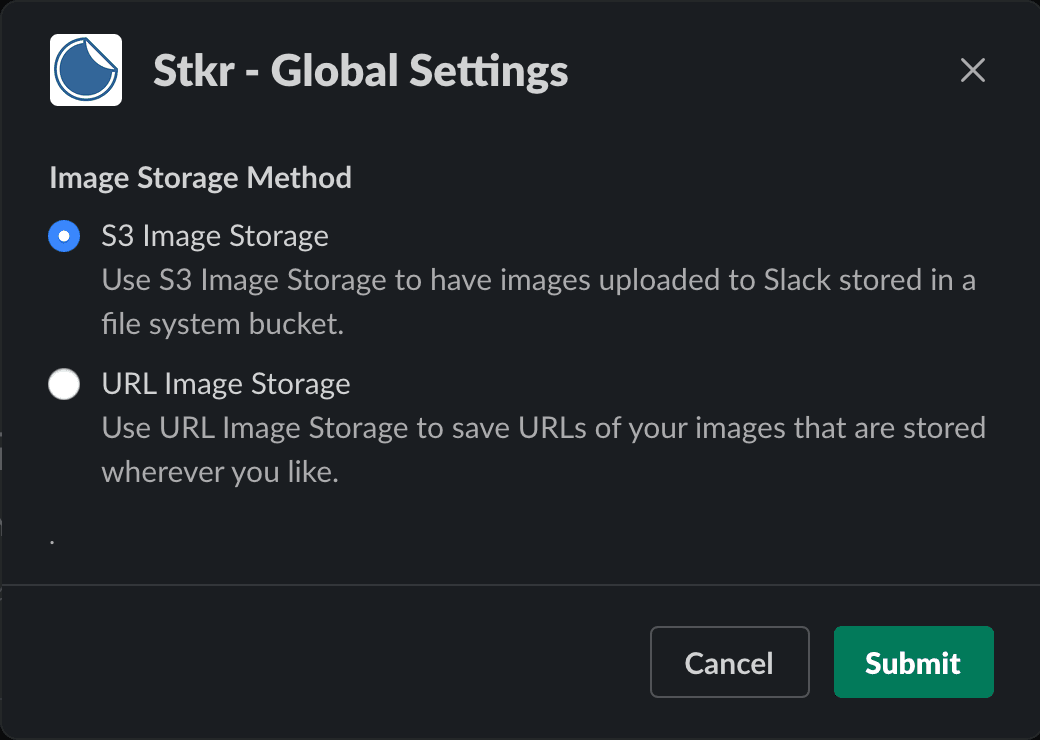
(For Admins Only) Set how you and your workspace will add and use images. You can either drag and drop images and uload them to Stkr for storage, or you can add URL links to share with your teammates.
UPLOAD:
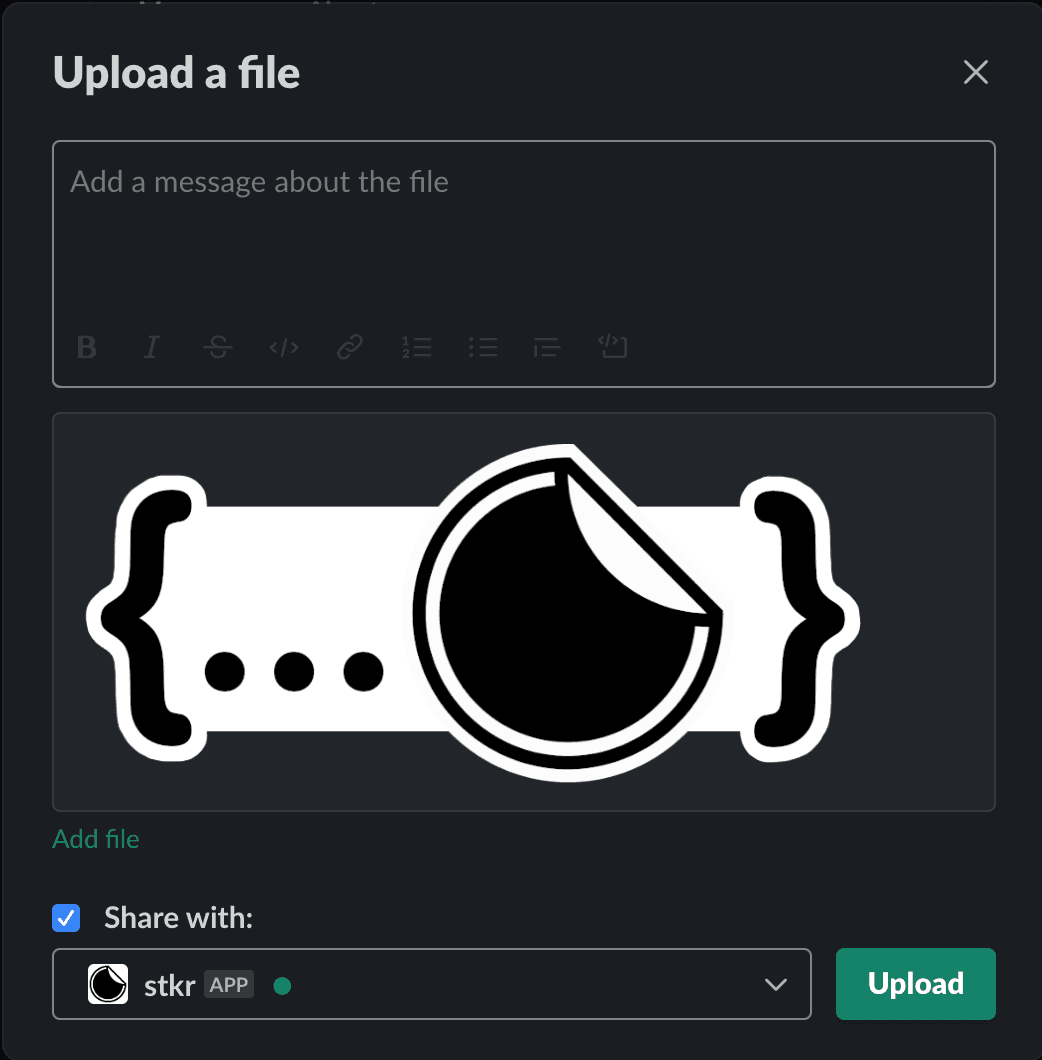
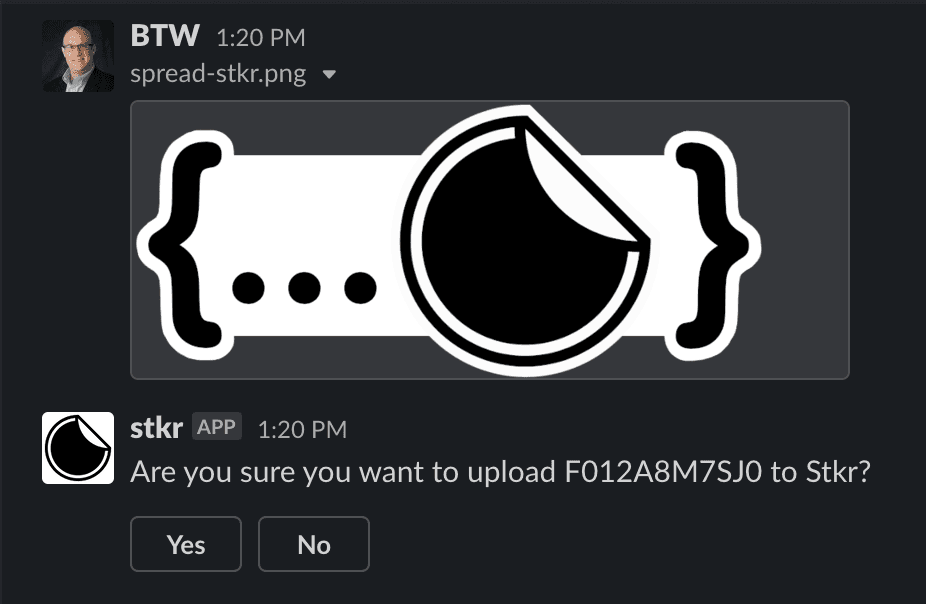
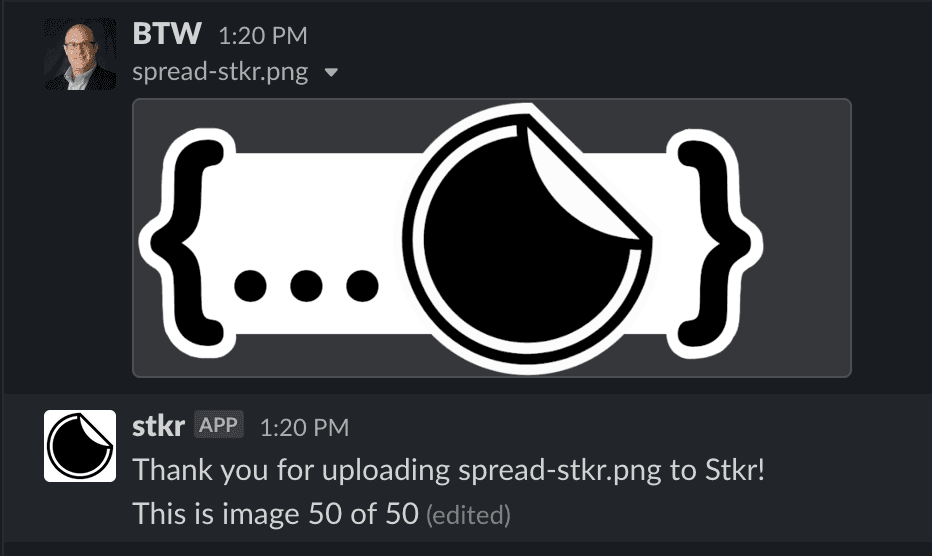
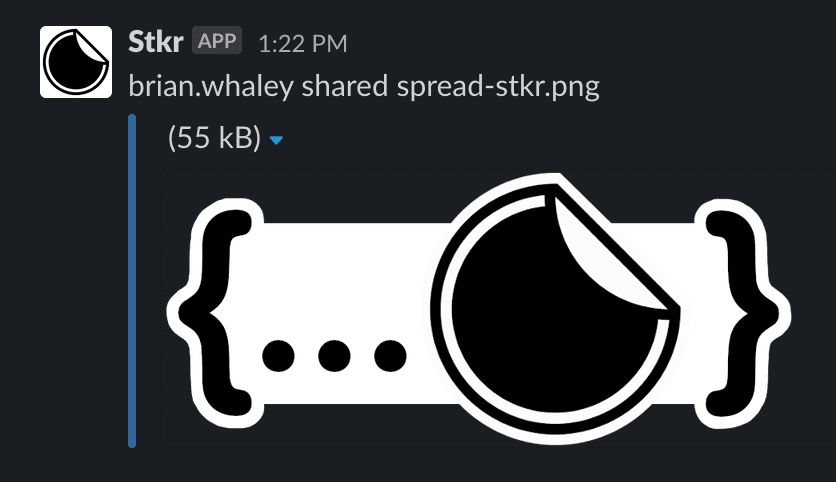
Drag and drop a new sticker to the Stkr App direct message (or add Stkr to a channel) and you will have an opportunity to upload each JPG or PNG to reuse as a sticker. There is a limit of 200KB file size and a max of 50 stickers per workspace.
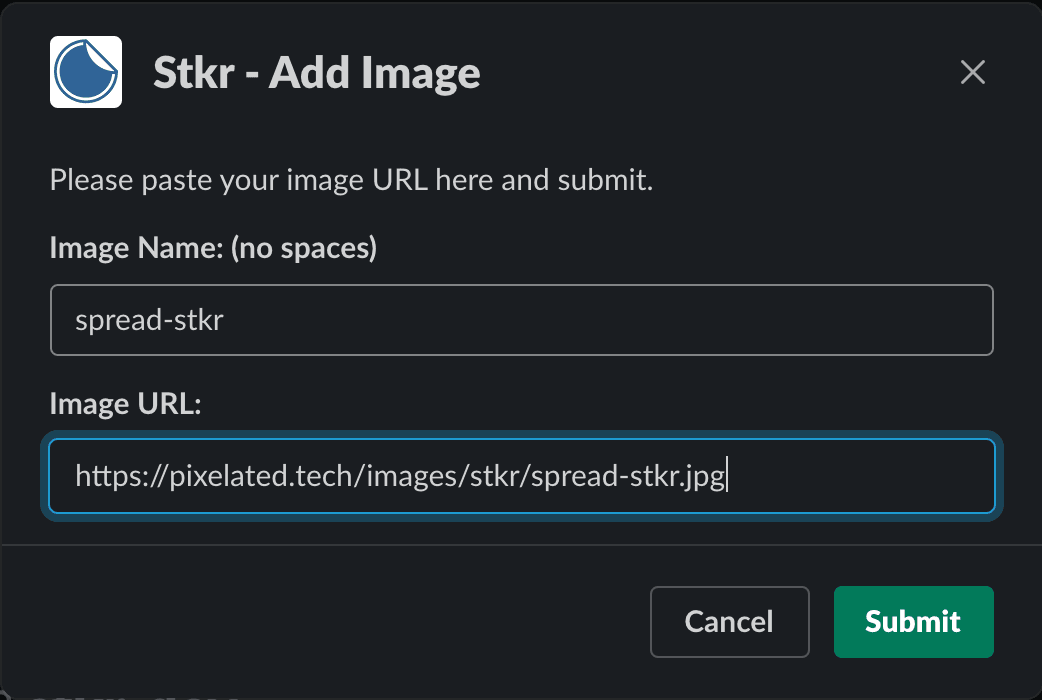
ADD URL LINKS:
Drag and drop a new sticker to the Stkr App direct message (or add Stkr to a channel) and you will have an opportunity to upload each JPG or PNG to reuse as a sticker. There is a limit of 200KB file size and a max of 50 stickers per workspace.
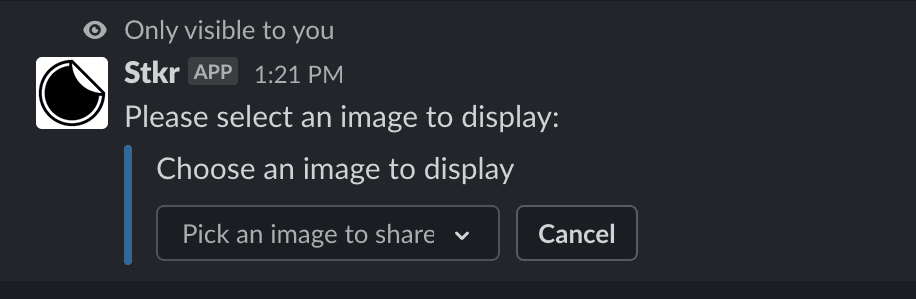
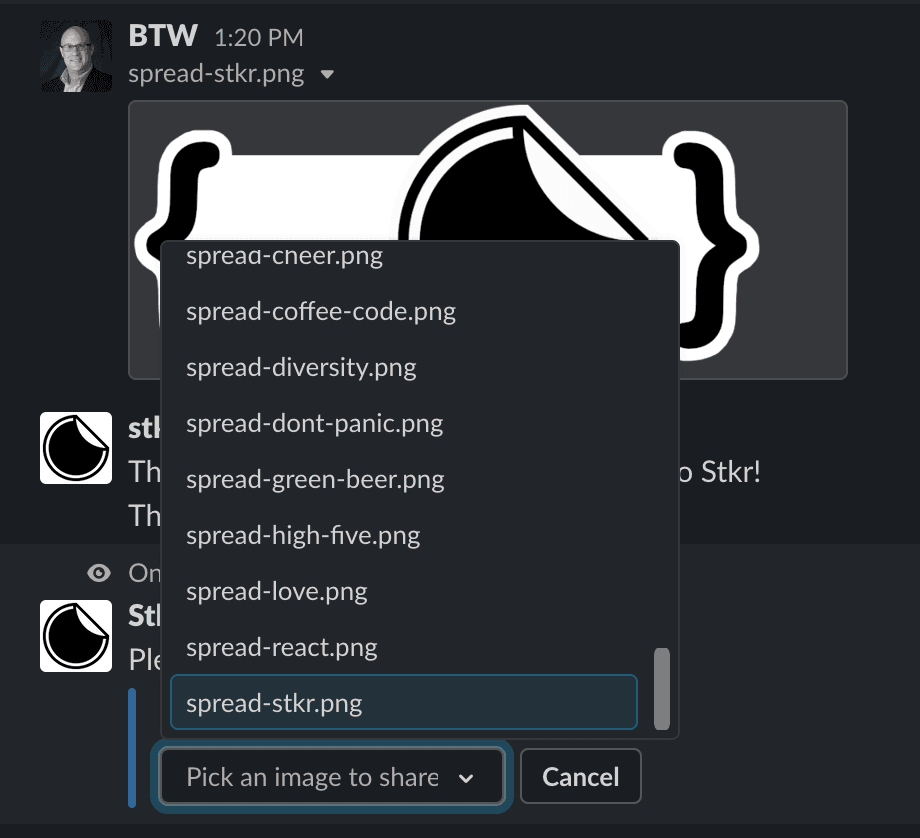
Type '/stkr' or '/stkr share' in your channel to share a a sticker that you or one of your teammates have uploaded.
Type '/stkr help' in any channel to get basic help information.
Type '/stkr bug' in any channel to get information on reporting bugs to the development team.
Type '/stkr support' to get basic support information, including a support email address.
Type '/stkr list' to see a full list of all images that are available to your workspace.
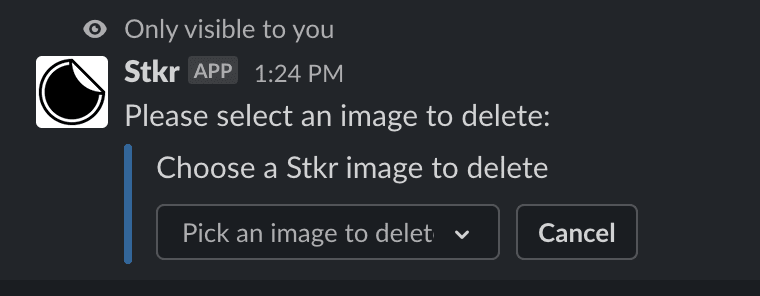
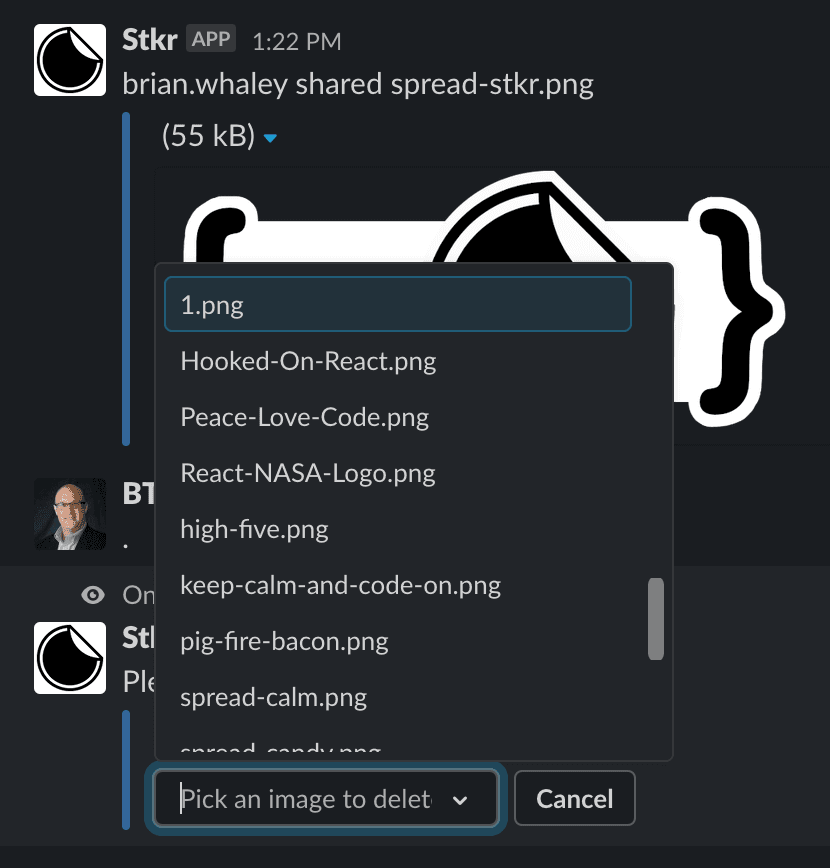
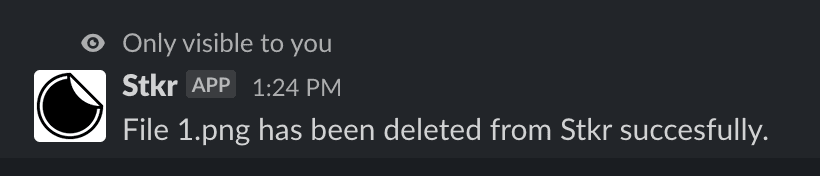
Type /stkrdelete to remove any stickers if you reach 50 or if something was inadvertently uploaded.